
GPT Image 2 Jewelry & Watch Visuals: Piece KV, Collection Cards & Luxury Social Assets
November 2026: Batch jewelry and watch piece Master KV, collection cards, luxury verticals and multilingual boutique assets with GPT Image 2 / gptimage 2 Thinking mode prompts.
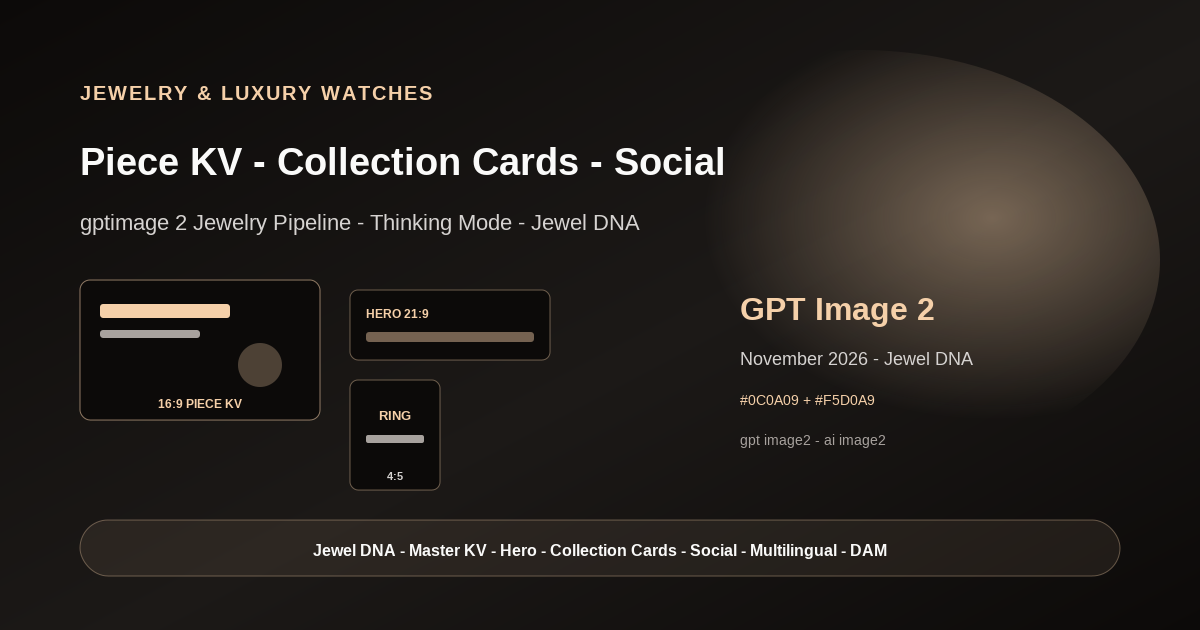
Jewelry and watch marketing visuals are compressed by launch windows and gifting seasons together: collection slogans often lock only three days before go-live, ecommerce needs same-day 10 collection cards, Xiaohongshu / Instagram want vertical luxury seeding covers, and cross-border sites still need English / Japanese / French boutique PDP mood kits — once still-life studio slots and design schedules misalign, the whole launch pipeline stalls on “waiting for images.” Channels must still sync site Hero, member-day Banners, livestream backdrops, and boutique lightbox concepts; pressure on metal speculars, gem fire, and text safe zones is extreme.
GPT Image 2 (also searched as GPT Image 2, Image 2, ai image2, site shorthand gptimage 2) wins in jewelry by writing series highlight coherence, large collection-title text rendering, and multi-size revisions into Thinking mode planning steps — ideal for high-information-density, short-launch-window AI image generation. This November 2026 playbook from jewelry houses, watch boutiques, and cross-border DTC visual teams delivers a reusable jewelry & watch visual pipeline.
Why jewelry and watch teams need GPT Image 2 / gptimage 2
| Pain point | Traditional approach | With GPT Image 2 |
|---|---|---|
| Piece Master KV multi-round slogan edits | Full reshoot or redraw | Swap quoted headline only; layout & highlights locked |
| 10 collection cards in batch | SKU-by-SKU retouch | Thinking plans 10 same-series mood frames once |
| Site / social size jumps | Hand-crop distortion | Same Jewel DNA, change aspect |
| Multilingual boutique PDP / cross-border Banners | Rebuild full set | Quoted copy swap is enough |
| Livestream backdrop vs boutique lightbox mismatch | Vendor aesthetic drift | Unified Jewel DNA + review checklist |
| Holiday gifting daily updates | Reopen art every day | Edit body discount digits & short titles only |
GPT Image 2 does not replace real still-life studio shoots or brand/legal image review — it moves jewelry teams from “waiting on Master visual lock” to templated batch + brand/compliance final review. For operators searching gpt image2 or ai image2, this pipeline can land on this quarter’s launch immediately.
Which jewelry and watch assets fit GPT Image 2
| Asset type | gptimage 2 fit | Notes |
|---|---|---|
| Piece / collection Master KV (16:9 / 3:1) | ★★★★★ | Thinking + large collection title zone |
| Site Hero / carousel concept | ★★★★★ | Series-coherent highlights & brand primaries |
| Collection cards (4:5 / 1:1) | ★★★★★ | Piece short name + material keywords |
| Luxury seeding vertical (9:16) | ★★★★★ | Safe zones + appointment / save CTA |
| Member-day / gifting Banner | ★★★★☆ | Reserve button & promo-code zones |
| Boutique lightbox / pop-up concept | ★★★★☆ | High contrast; avoid dense texture |
| Exact setting specs / certificate diagrams | ★★☆☆☆ | Prefer real data, then mood overlay |
| Unauthorized celebrity likeness or competitor Logos | ★★☆☆☆ | Must overlay licensed assets only |
Build the Jewel DNA block (jewelry Brand DNA)
Maintain Jewel DNA in Notion / Git — paste it atop every GPT Image 2 / gptimage 2 request:
[Jewel DNA]
Brand: Aurora Atelier 2026 (sample fine jewelry & watch collection)
Primary: #0C0A09 (ink black) + #FAFAF9 (pearl white) + #F5D0A9 (champagne gold accent)
Type feel: luxury sans; semi-bold titles; Regular material lines
Composition: bottom-third text safe zone; upper frame soft-focus piece highlight / velvet pedestal or abstract metal specular
Look: jewelry & watch launch key visual, soft specular light, slight DOF, emphasize clean premium feel
Forbidden: unauthorized celebrity likeness, fake carat digits, absolute "get rich overnight" slogans
[Output] 2048px long edge; high-contrast readable; sRGB; print PDF overlays vector Logo
The more stable Jewel DNA is, the more cross-asset, cross-language AI image generation looks like one brand, one launch campaign.
Standard workflow (Aurora Atelier launch example)
Step 1: Piece Master KV (Thinking mode)
为 Aurora Atelier 2026 生成单品主 KV 系列。
Thinking 模式:先规划 6 种构图(丝绒托台、金属反光、抽象高光、夜色橱窗…),
统一 Jewel DNA 主色 #0C0A09/#F5D0A9。
大标题引号内写:"Light Carved Into Forever"
副标题:"Aurora Atelier · Celeste Collection"
16:9,珠宝腕表发布主视觉,无真实品牌 Logo。
Pick 1 frame as Master Jewel KV; keep the rest for site / email A/B. This is the most common entry task for Image 2 / gptimage 2 in jewelry.
Step 2: Site Hero / carousel concept
与 Master Jewel KV 同一系列,生成官网 Hero 概念 21:9 超宽。
左侧保留柔焦单品高光,右侧 30% 文字安全区,
标题引号内写:"Wear the Quiet Radiance",高对比,Thinking 模式开启。
Step 3: Collection cards in batch
思考模式,GPT Image 2 系列收藏卡,4:5。
顶部短名引号内写:"Celeste Ring",中部关键词:"18K Gold · Diamond Pavé"。
Jewel DNA 配色,系列 10 张仅换单品短名与关键词,构图锁定。Important: Real carat, material specs, and pricing must be overlaid later by humans; AI frames are mood and layout skeleton only.
Step 4: Luxury seeding vertical covers
9:16 种草封面,标题 "Evening Glow Edit",
底部 CTA 区留 18% 给「预约鉴赏」按钮,顶部留 12% 平台 UI,
与 Master Jewel KV 同色同高光,gptimage 2 思考模式。
Step 5: Multilingual swap and DAM intake
Keep layout and Jewel DNA unchanged — swap quoted copy only:
- English:
"Light Carved Into Forever" - Japanese:
"永遠に刻まれた光" - French:
"La lumière gravée pour toujours"
Review checklist:
- Copy proof: collection name, piece short names, launch cutoff date
- Brand & rights: brand Logo / celebrity likeness only via licensed assets — never AI-invented
- Safe zones: lightbox, site crop, mobile preview
- Naming:
2026_AuroraAtelier_KV16x9_v3_en.png - Intake: link SKU version and prompt ID into DAM
gptimage 2 collaboration with jewelry execution
Recommended split:
- Brand / visual: maintain Jewel DNA, final Master tone
- Content / ecommerce ops: piece short names and quoted strings
- GPT Image 2 / gptimage 2: piece KV, site Hero, series collection-card drafts
- Designers: overlay official Logo, print bleed, PDP size adapts
- Compliance / legal: material claims, carat data, likeness rights
- Localization: translate quoted copy only
Flow example: gptimage 2 delivers clean Master visuals without Logo → design overlays brand Logo and QR → sync site, social, livestream, and boutique asset lists.
Common failure cases and fixes
| Symptom | Cause | Fix |
|---|---|---|
| Master KV and Hero do not feel same series | Thinking off / DNA not pasted | Force Jewel DNA + “same series” |
| Collection-card text misaligned | Instant mode or copy too long | Switch to Thinking; put piece name in its own quoted line |
| Lightbox looks soft / muddy | Resolution too low | Specify 2048/4K; print with vector type overlay |
| Site crop cuts the title | No safe zone | Hard-code 9:16 / 3:2 margin percentages |
| Celebrity likeness complaint | AI-generated near-face | Ban unauthorized likeness in prompts; use licensed files only |
| Metal looks “cheap” | Light too hard / missing material words | Add “soft specular highlight / champagne gold metal” to DNA |
Measuring impact (jewelry KPIs)
Beyond appointment / add-to-cart conversion, track:
- Launch CTR: same-KV social / email A/B
- Visual consistency score: brand visual 1–5 blind rating of the full kit
- Revision cycle: hours from slogan change to all sizes updated
- gptimage 2 cost per launch: API medium × frame count + final human review
Cross-border jewelry case (2026 Q3): piece KV + Hero + 10 collection cards × 3 languages dropped from 12 person-days to 2.9, and seeding-note CTR median rose from 3.5% to 5.9%. For teams watching gpt image2 cost structure, this is a reusable benchmark.
Team roles and governance
| Role | Responsibility |
|---|---|
| Brand / visual | Maintain Jewel DNA, final tone |
| Content ops | Quoted piece short names, launch copy |
| Design | Logo, bleed, PDP adapts |
| Growth | Channel size map, A/B |
| Compliance | Material claims, carat, likeness rights |
| Localization | Translate quoted copy |
| Engineering | GPT Image 2 API batching, DAM webhook |
After every launch, run a prompt retrospective: keep high-CTR KV structures, retire error-prone type templates.
Closing
GPT Image 2 (GPT Image 2 / gptimage 2 / Image 2 / ai image2) moves jewelry and watch visuals from “studio schedules blocking launch” to a system of Jewel DNA + Thinking + multi-size + quoted copy — one of the highest-frequency AI image generation patterns in 2026 jewelry boutiques and cross-border ecommerce. Start with a pilot of next launch’s Master 16:9 + site Hero + 3 collection cards, clear the review checklist, then expand to the full-channel kit.
Further reading
Ready to create?
Jump to the App workbench and try GPT Image generation and multi-turn editing for free.
Start Creating Free →