


Portrait Photography
Dark Gothic Lolita portrait
Thinking mode. Create a dark Gothic Lolita fashion portrait of an adult woman in a decaying Victorian bedroom, styled as a haunted analog-si…
Start Creating Free →Prompt library · blogs · step-by-step tutorials for GPT Image 2 / gptimage 2. Copy prompts, learn workflows, then open the App workbench to generate — we are not an official OpenAI site.

Pick a copy-ready prompt by scene, then try it in the workbench
Portrait Photography
Thinking mode. Create a dark Gothic Lolita fashion portrait of an adult woman in a decaying Victorian bedroom, styled as a haunted analog-si…
Start Creating Free →
Poster Design
Thinking mode, 16:9 e-commerce banner. Headline "MEGA SALE" (bold red sans #E63946), sub "Spend $299 save $50". Product group on right, copy…
Start Creating Free →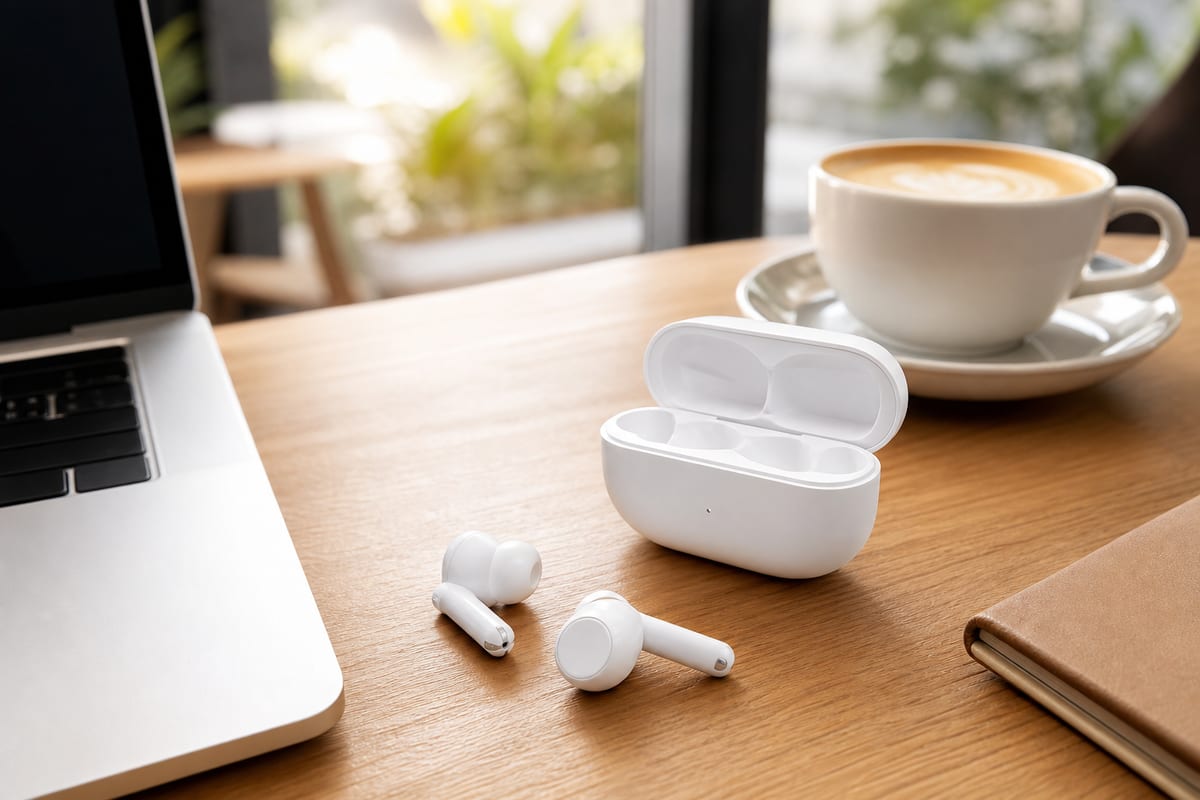
E-commerce
Thinking mode, white wireless earbuds, 6× 1:1 lifestyle shots: cafe desk, subway commute, gym, outdoor run, airplane tray, minimal white her…
Start Creating Free →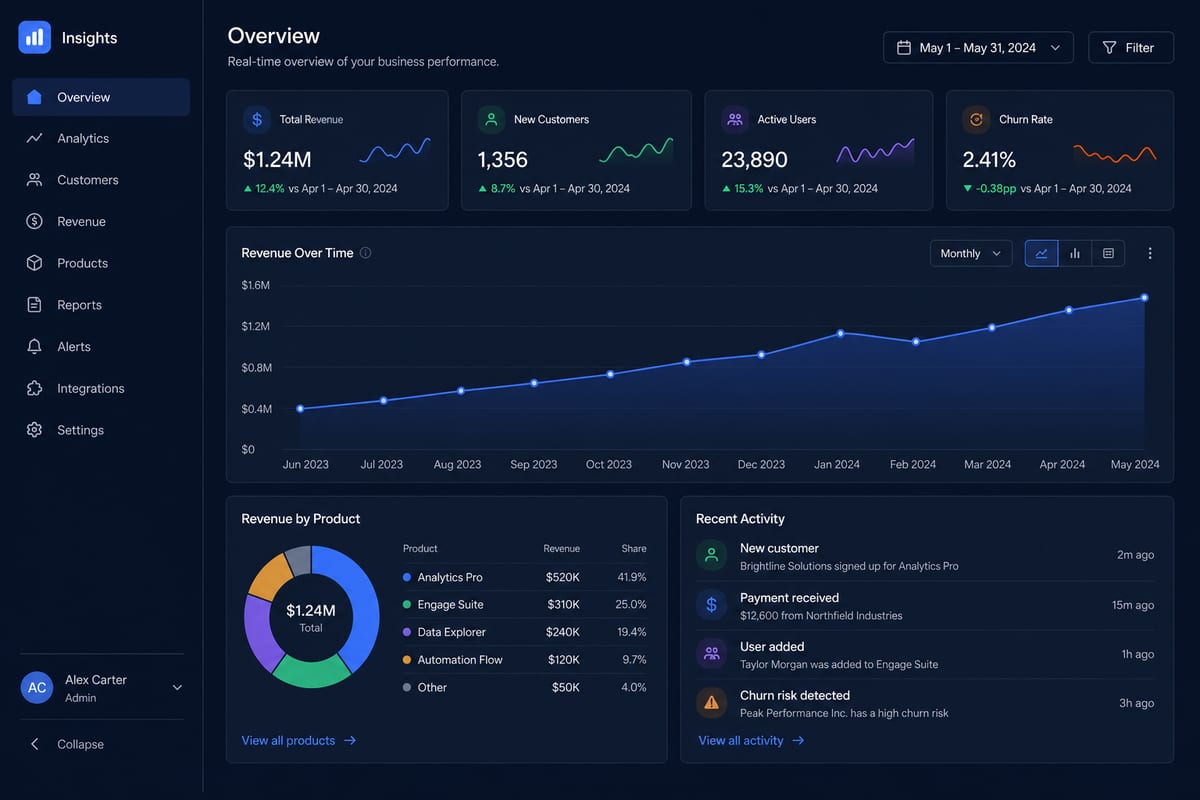
UI / Interface
Thinking mode, 16:9 desktop screenshot style. B2B SaaS analytics dashboard, dark #0F172A, left nav, four KPI cards, 12-month revenue line ch…
Start Creating Free →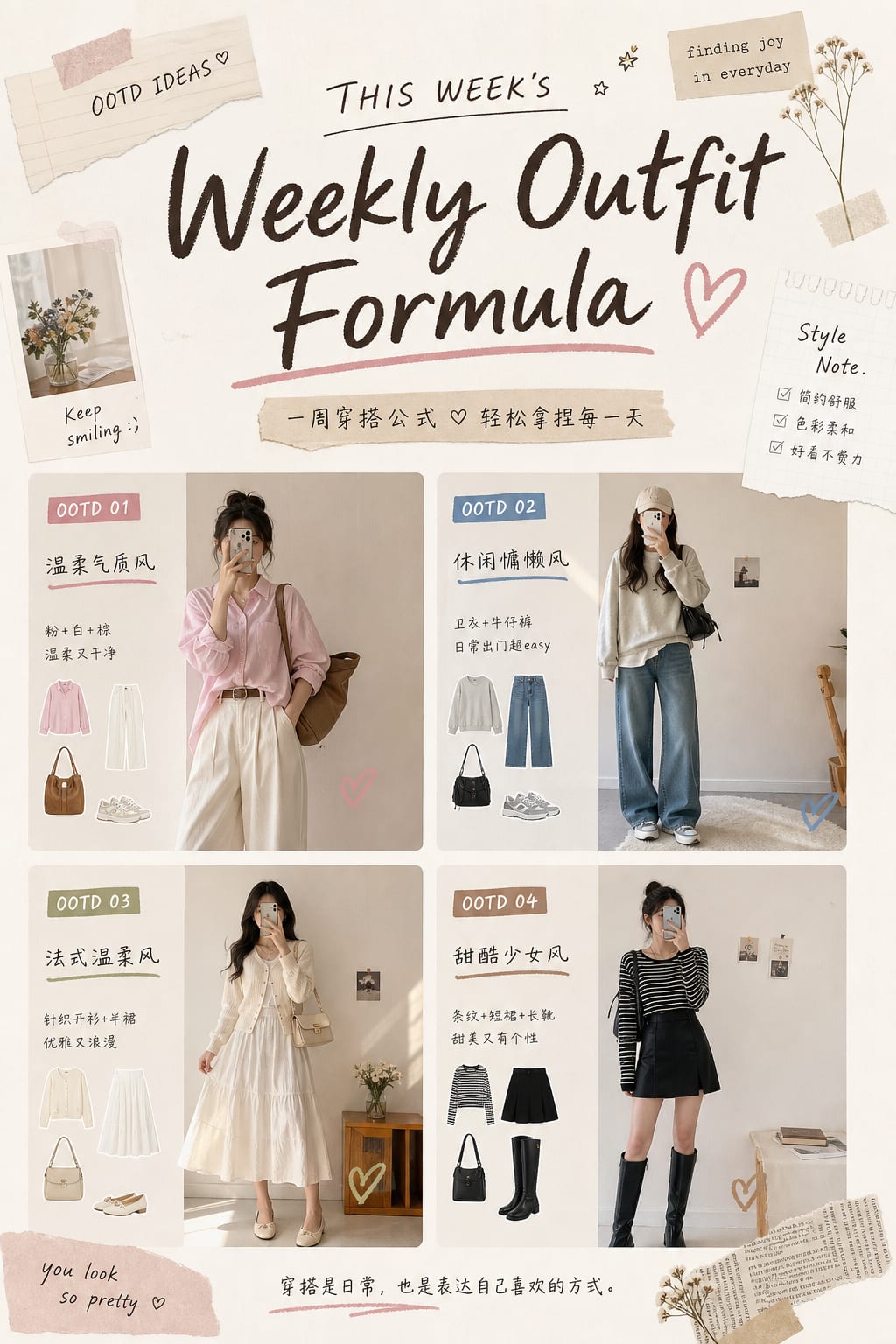
Social Media
Thinking mode, 3:4 vertical cover. Title "Weekly Outfit Formula" (handwritten style), 4 OOTD thumbnails in grid, cream tones, magazine colla…
Start Creating Free →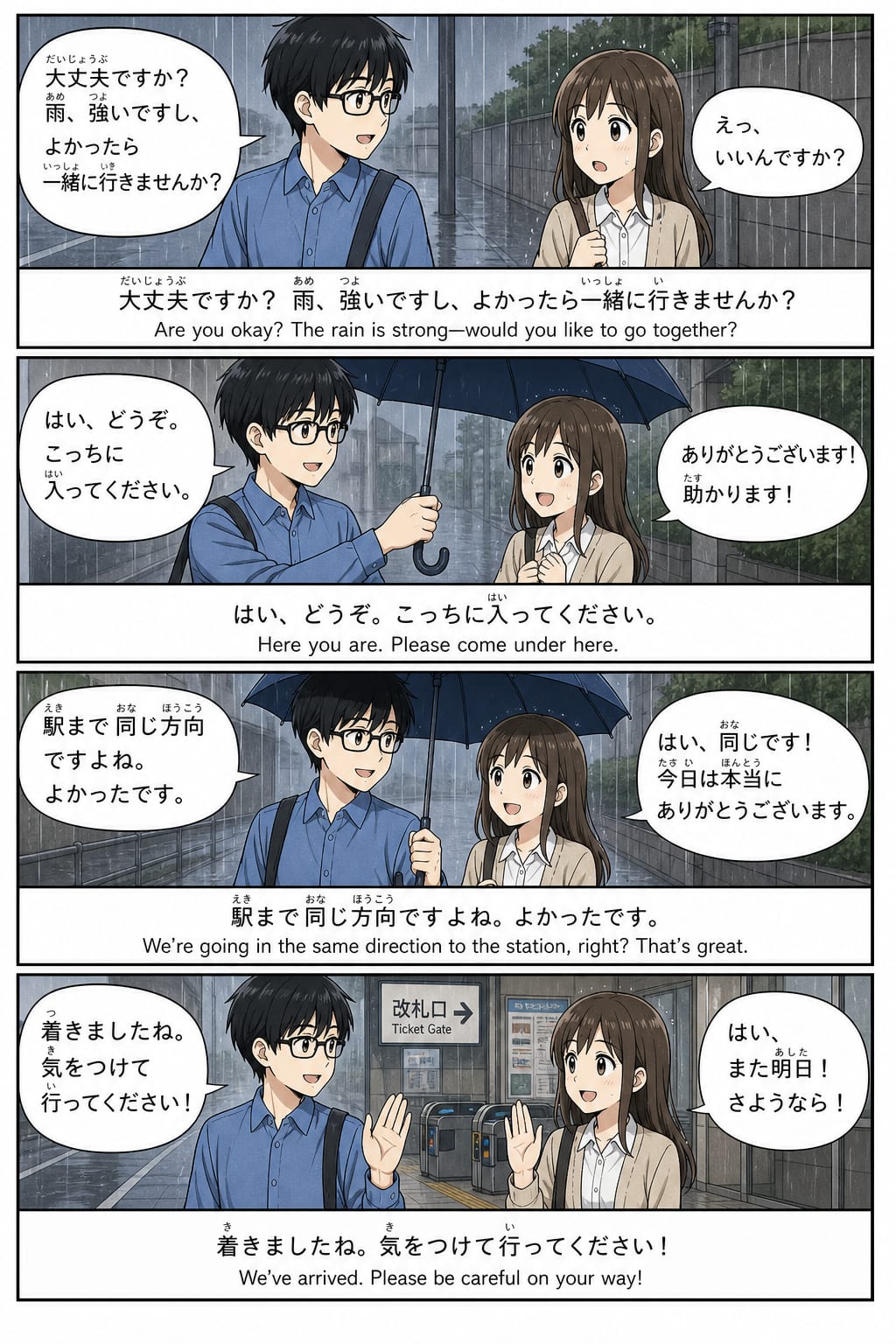
Comics / Storyboard
Thinking mode, Japanese 4-panel vertical manga "umbrella in the rain". Male lead: black hair, glasses, blue shirt. Dialogue in quotes per pa…
Start Creating Free →Reviews, vertical visual workflows, and practical prompt tips
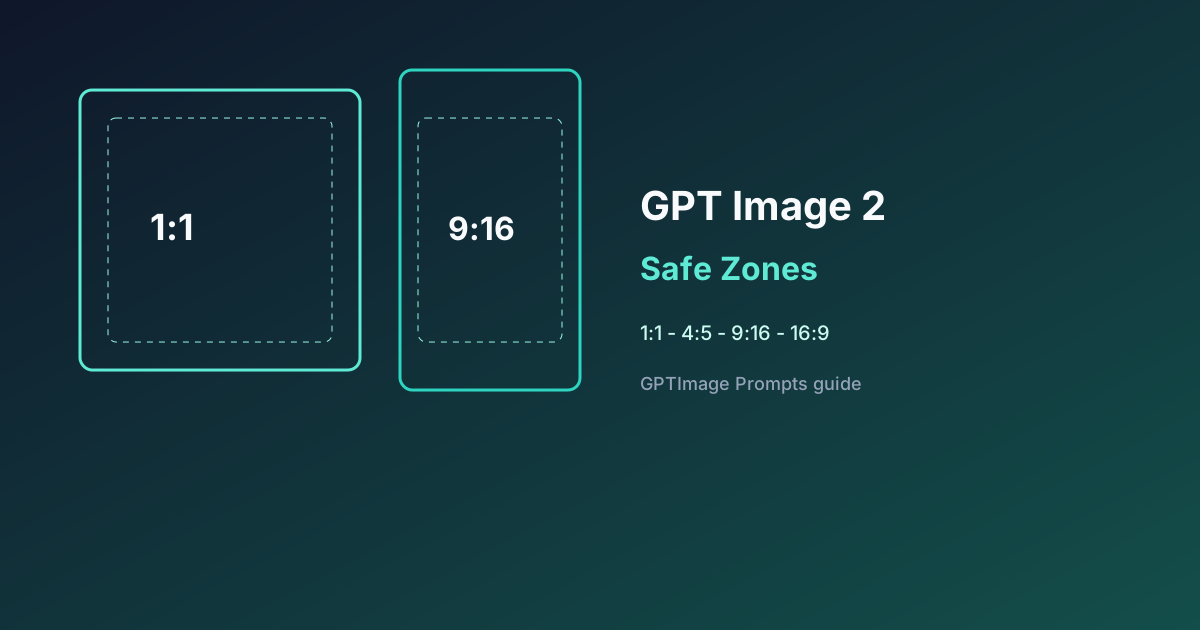
September 2026: Lock one GPT Image 2 / gptimage 2 frame at a time—how to write 1:1, 4:5, 9:16, and 16:9 safe zones, Bad→Good prompts, and a ship checklist.
Read more →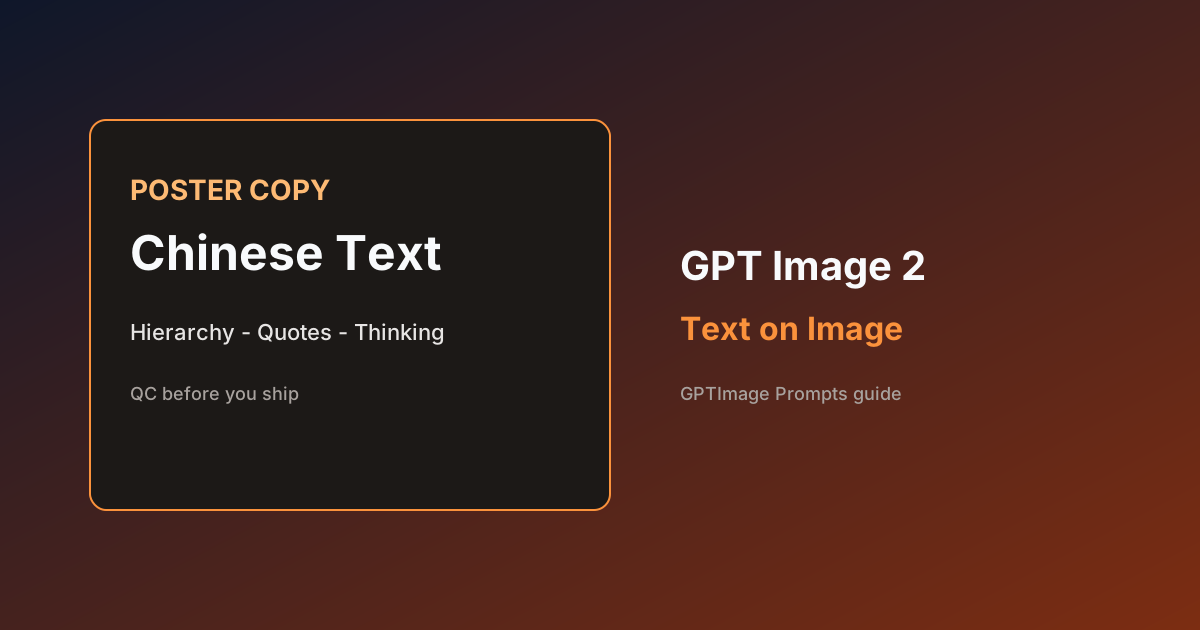
September 2026: Make readable Chinese posters and banners with GPT Image 2 / gptimage 2—how to lock on-image copy, when to use Thinking, Bad→Good prompts, and a ship checklist.
Read more →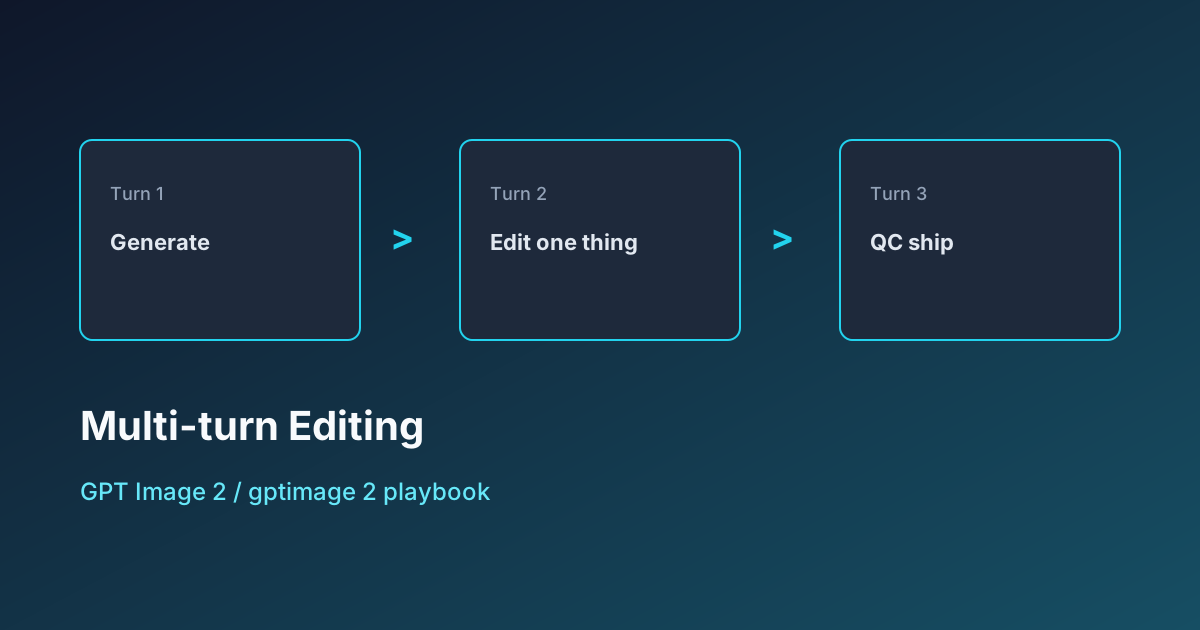
September 2026 playbook for GPT Image 2 / gptimage 2 multi-turn edits—when to regenerate vs local edit, Bad→Good prompts, and a QC checklist.
Read more →From thinking mode to batch output — follow along to ship
Beginner tutorial: copy a scene prompt on GPTImage Prompts, generate in the gptimage App workbench, run one single-dimension edit, and export.
Read tutorial →September 2026: From confirming Images 2.5 to shipping your first campaign set—Flare, Sketch, comments, Sunburst step by step.
Read tutorial →When to use it, prompt structure, 8-image coherence, troubleshooting.
Read tutorial →A quick capability map so your prompts match the model — then practice in the workbench
GPT Image 2 can plan layout, check references, self-verify, then generate multiple coherent images.
GPT Image 2 · Thinking ModeStrong short-text accuracy for English; solid results for Chinese, Japanese, Korean — ideal for posters and UI mockups.
Readable on-image textUp to 4K resolution; aspect ratios from 3:1 to 1:3 for banners, posters and vertical social.
2K / 4KRegion edits, aspect switches and iterative generation — refine prompts across turns.
Multi-turn iterationMultiple images per request — useful for poster series and storyboards.
Batch productionGenerate + edit style pipelines for teams automating creative assets.
Automation-friendlyCommon questions about GPT Image 2 prompts and how this guide site works
Open the workbench free, or subscribe for new prompts, tutorials & updates
Start Creating Free