
Chế độ Thinking: AI Image 2 lập kế hoạch trước khi vẽ
Lập kế hoạch, tìm kiếm, tự kiểm, nhất quán nhiều ảnh.
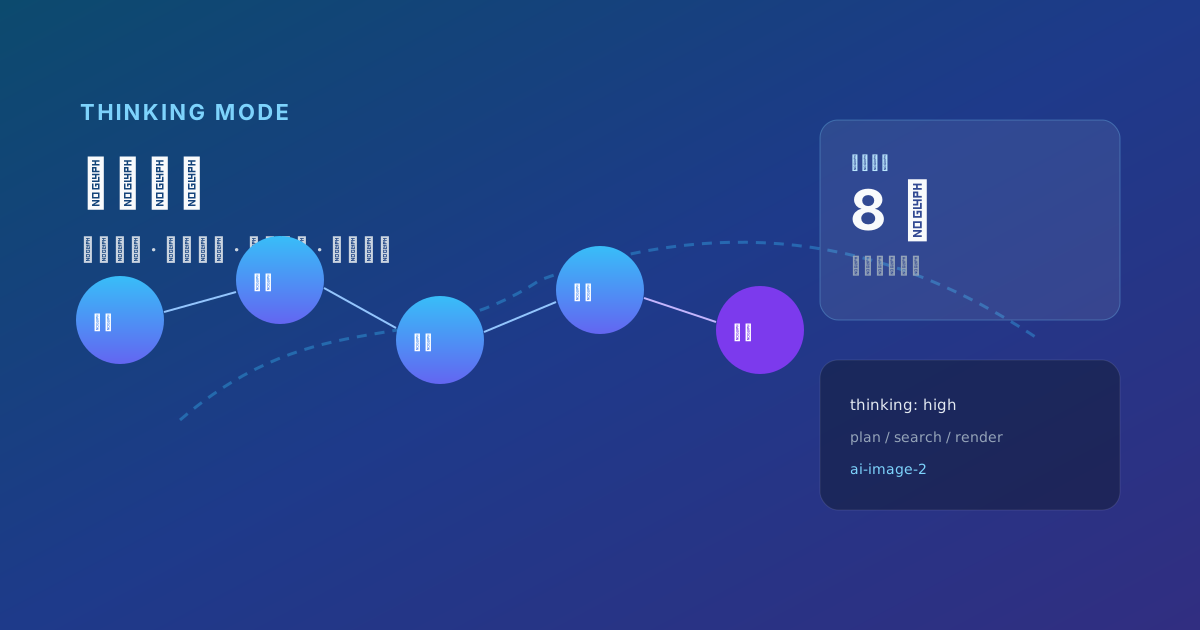
Chế độ Thinking = lập kế hoạch → (tuỳ chọn) tìm kiếm → tự kiểm → render (tối đa 8 khung nhất quán).
- Phác layout
- Kiểm tra copy — chuỗi trong dấu ngoặc
- Khóa series — cùng trang phục
API: mức thinking. Cho poster & storyboard, không phải Instant nhanh.
OpenAI positions ChatAI Images 2.0 as evolving from a drawing tool into a visual thought partner. The key narrative is Thinking mode: before pixels land, the model understands, plans, optionally retrieves information, and self-checks output.
Traditional vs Thinking generation
| Stage | Classic diffusion | AI Image 2 Thinking |
|---|---|---|
| Input | prompt → noise sample | prompt → reasoning plan → generate |
| Errors | user re-roll | model may self-correct |
| Multi-image | independent random | up to 8 coherent frames |
| External knowledge | none | optional Web Search (AI Chat paid tiers) |
Reported wins: multi-page comics, whole-home design series, data infographics, multilingual social sets — tasks that need structure + cross-image consistency + lots of type.
Internal model (conceptual)
OpenAI has not published a full technical report; community reconstructions describe three phases:
1. Parse & plan
Split prompt into subject, background, text blocks, style, aspect; verify object counts; choose composition grid and whitespace.
2. Augment
Web Search (Plus / Pro / Business) for timely facts — maps, scores, product silhouettes (verify copyright and facts). Analyze uploaded references — menu photos, wireframes, brand PDFs.
3. Generate & verify
Render 1–8 images; internal checks on spelling, alignment, character consistency; iterate if needed (chain not visible to users).
User experience: longer wait, higher first-pass hit rate, fewer half-wrong headlines.
AI Chat product usage
- Instant: broader tiers including limited free quota (per current policy).
- Thinking: AI Chat Plus / Pro / Business with reasoning-capable image model.
Tips: toggle Thinking; write structured briefs; for series specify 6 coherent storyboard frames, same protagonist, manga line art; use regional edit instead of full re-roll.
Latency is often 30–60 seconds — plan async workflows, not live twitch demos.
API thinking parameter
Via gpt-image-2 (see OpenAI Image guide):
| Level | Use |
|---|---|
low | Simple art, latency-sensitive |
medium | Infographics, tables, multi-block posters (default) |
high | Comics, complex spatial scenes, multi-character |
Batch n up to 10 on API; AI Chat may cap coherent series at 8 — check docs.
Billing: Thinking adds text + image token usage — log latency and cost per prompt.
Prompt patterns
A — Layout first
[Layout] Top 20% headline; middle 60% product; bottom 20% three icon columns.
[Text] Title "Winter Collection"; columns "Warm" "Light" "Dry".
[Style] Nordic minimal, off-white, soft shadow.
[Mode] Thinking — 4 variants, background color only differs.
B — Storyboard
4-panel manga, same girl (black ponytail, school uniform), rainy umbrella story,
short dialogue under each panel, clean lines, consistent character.
C — Data infographic (human must verify numbers)
2025 global renewable share infographic, pie + 3 callouts, title "Energy Mix 2025",
verify public data before drawing if web search available.
When NOT to use Thinking
Background textures, abstract art, material swatches, atmosphere-only references, or real-time demos — use Instant.
Failure modes
| Symptom | Likely cause | Fix |
|---|---|---|
| Typos remain | copy too long | shorten; split panels |
| 8 frames unlike same person | vague descriptor | lock hair, outfit, color IDs |
| Timeout | peak + high | lower tier or off-peak |
| Wrong search facts | noisy sources | disable web; supply fact table |
vs multimodal AI multimodal chat
Inside AI Chat, images bind to conversation context — upload a competitor screenshot and ask for your palette on that layout. Thinking fuses text + vision inputs. Stateless /images/generations alone cannot replicate that collaborative loop.
Conclusion
Thinking mode productizes language-model reasoning chains for images. It trades time and compute for complex briefs done once. Master when to enable, how to structure prompts, and how humans proof text and data — then “think before draw” becomes a repeatable team SOP.
Further reading: Deep review, vs Midjourney, Prompt tutorial.